
If you manage Google Ads campaigns, you already know how much time goes into reporting. Pulling data from multiple platforms, formatting spreadsheets, building charts, and sending updates to clients or stakeholders — it adds up fast. Automated PPC reporting software eliminates most of that manual work, giving you polished reports in minutes instead of hours.
This guide covers why PPC report automation matters, what features to look for, and which ppc reporting tools are worth your time in 2026.
Why Automate Your PPC Reporting?
Manual PPC performance reporting eats into time that should go toward strategy and optimization. Most PPC managers spend 3-5 hours per week just compiling reports. That is time better spent testing ad copy, refining bids, or launching new campaigns.
Automated ppc reports solve three problems at once:
- Time savings. Reports generate on schedule without manual intervention. Set it once, and your ppc reporting dashboard updates automatically.
- Consistency. Templates ensure every report follows the same format, reducing errors and making trends easier to spot.
- Real-time ppc reporting. Instead of waiting for weekly or monthly data pulls, live dashboards give you instant access to performance metrics.
For agencies managing multiple clients, the efficiency gains multiply. Small business automated ppc reporting also levels the playing field — even lean teams can deliver professional reports without dedicated analysts.
What to Look for in Automated PPC Reporting Software
Not every ppc reporting software delivers the same value. Here are the features that separate good tools from great ones:
Cross-platform integration. The best ppc reporting software connects Google Ads, Meta Ads, LinkedIn Ads, and other platforms into a single view. Pulling data from multiple sources manually defeats the purpose of automation.
Customizable templates. Pre-built templates save time, but you need the flexibility to match your branding and reporting needs. White-label options matter especially for agencies.
Scheduled delivery. Automated reporting google ads tools should send reports on a set cadence — daily, weekly, or monthly — without you lifting a finger.
AI-powered insights. The newest generation of ppc analytics software goes beyond data display. Ai ppc reporting tools analyze trends, flag anomalies, and surface actionable recommendations automatically.
Google Ads integration depth. Google ads reporting software should pull campaign, ad group, keyword, and search term data with full granularity, not just surface-level metrics.
Top PPC Reporting Tools to Consider
Here is a focused look at the best ppc reporting software and ppc campaign reporting tools available in 2026:
Google Looker Studio is free and integrates directly with Google Ads and Analytics. It offers strong visualization options and customizable templates. The main limitation is the manual setup required for complex reports and the lack of automated scheduling without third-party connectors.
AgencyAnalytics is built for agencies managing multiple clients. It automates cross-channel reporting with Google Ads, Meta Ads, and 80+ integrations. Reports update automatically and white-label options make client delivery simple. Pricing starts at $59 per month.
Whatagraph combines 55+ integrations with AI-powered analysis. Its Whatagraph IQ feature creates and styles reports with accurate AI, and reports can be scheduled or shared via live, password-protected links.
Optmyzr is a full PPC management platform with strong reporting built in. It offers automated google ads reports with auto-generated performance insights. Especially strong for teams that want ppc report automation alongside optimization tools.
Databox stands out for agencies working across channels. It provides context alongside data, including forecasts and benchmarks, and is popular for google ads automated reporting among marketing teams.
Adalysis provides 50+ prebuilt report templates with white-label options and interactive reports. It combines automated reporting google ads features with broader PPC management capabilities.
How CATTIX Complements Your Reporting Stack
Reporting tools show you what happened. CATTIX helps you build better campaigns from the start — so your reports show better results.
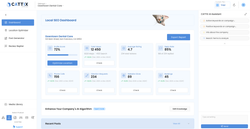
CATTIX is an AI-powered Google Ads management platform that handles market analysis, keyword research, cost forecasting, and campaign creation. While ppc automation tools focus on optimizing existing campaigns and reporting on performance, CATTIX works upstream — ensuring your campaigns launch with the right structure, keywords, and budget.
Here is how the two work together:
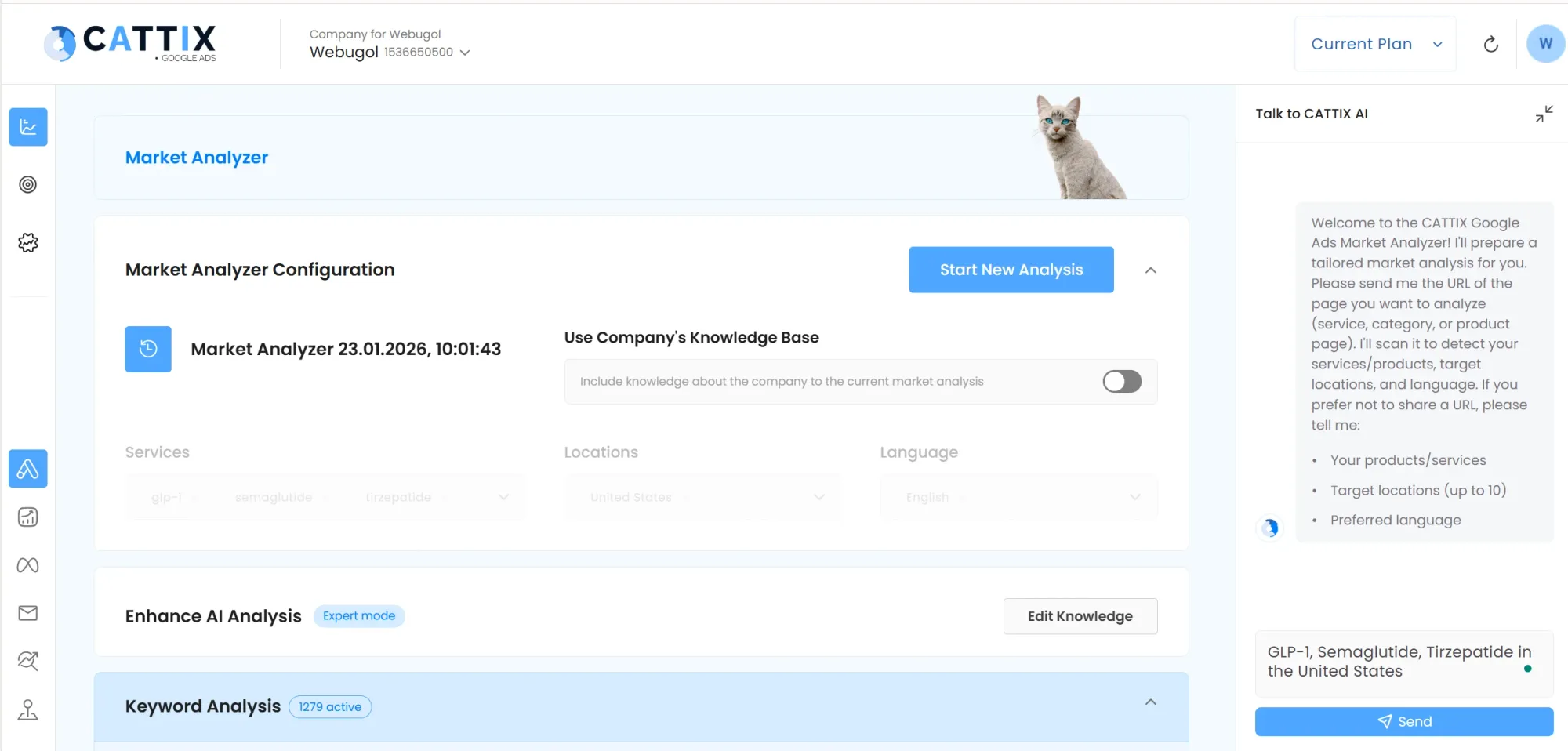
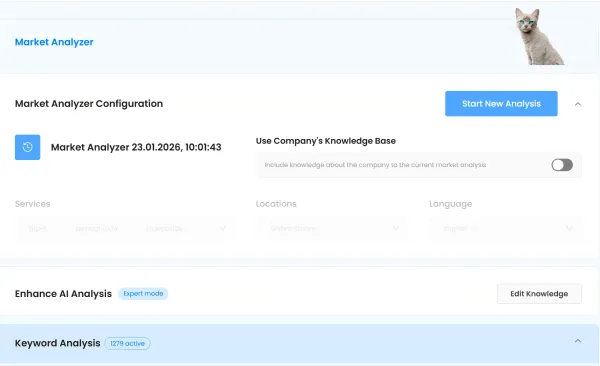
- Market Analyzer identifies opportunities before you spend a dollar, giving your reporting baseline stronger foundations.
- Keyword Analysis collects 1,000+ keywords with volume and CPC data, so your campaigns target the right terms from day one.
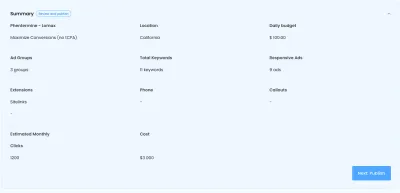
- Campaign Forecasting projects clicks and costs before launch — essentially pre-launch reporting that shapes your strategy.
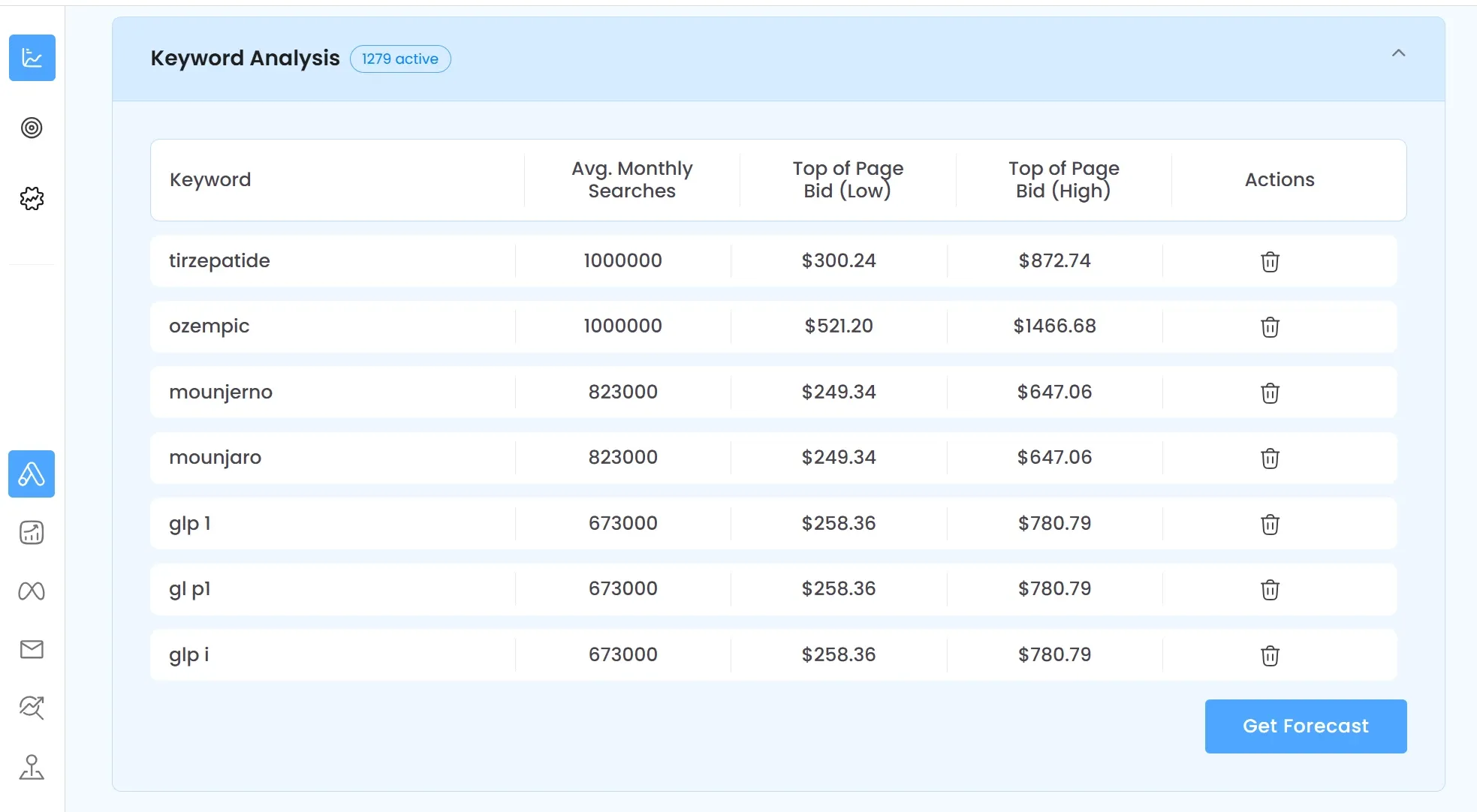
The result: when you plug your CATTIX-built campaigns into your ppc reporting dashboard, the data tells a better story. Better campaign structure leads to cleaner performance data, which leads to more actionable ppc monitoring and reporting.
Combined with ai google ads management tools, CATTIX and your reporting stack create a complete loop — build, launch, measure, and improve.
FAQ
What is automated PPC reporting software?
Automated PPC reporting software pulls campaign data from advertising platforms like Google Ads and generates formatted reports automatically. It replaces manual spreadsheet work with scheduled, template-based reports.
How much time does automated PPC reporting save?
Most PPC managers save 3-5 hours per week by automating their reporting workflow. Agencies managing multiple accounts can save even more.
What metrics should PPC reports include?
Key metrics include impressions, clicks, click-through rate (CTR), cost per click (CPC), conversions, cost per acquisition (CPA), return on ad spend (ROAS), and quality score.
Is there free PPC reporting software?
Yes. Google Looker Studio is free and integrates directly with Google Ads and Google Analytics. It requires more manual setup than paid alternatives but offers strong customization.
How do I automate Google Ads reporting?
Connect Google Ads to a google ads reporting software tool like AgencyAnalytics, Whatagraph, or Looker Studio. Set up templates, choose your metrics, and schedule automated delivery to stakeholders.
What is the best PPC reporting software for small businesses?
For small business automated ppc reporting, Google Looker Studio (free) and Databox (affordable plans) are strong options. They offer essential features without enterprise pricing.
Can AI improve PPC reporting?
Yes. Ai ppc reporting tools analyze trends, detect anomalies, and generate performance summaries automatically. This goes beyond static dashboards to deliver actionable insights.
How often should I generate PPC reports?
Weekly reports work well for active campaign management. Monthly reports suit executive stakeholders. Real-time ppc reporting dashboards are best for day-to-day optimization decisions.